
Precision Cleaning Brush for Narrow Spaces and Air Vents
From the same category


Description
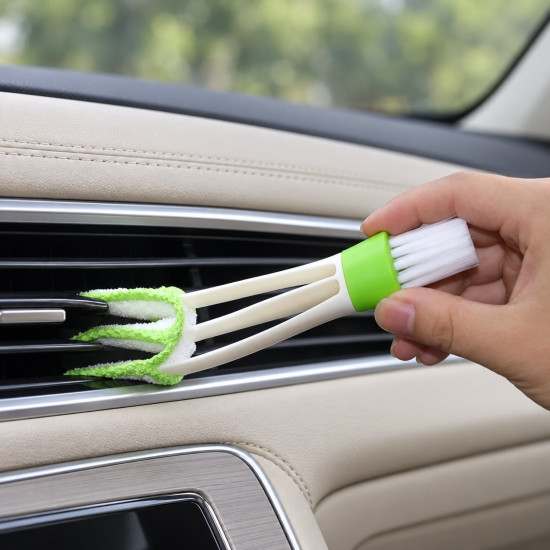
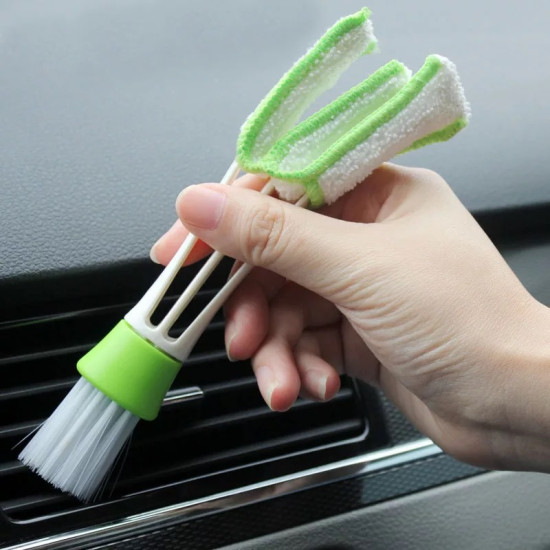
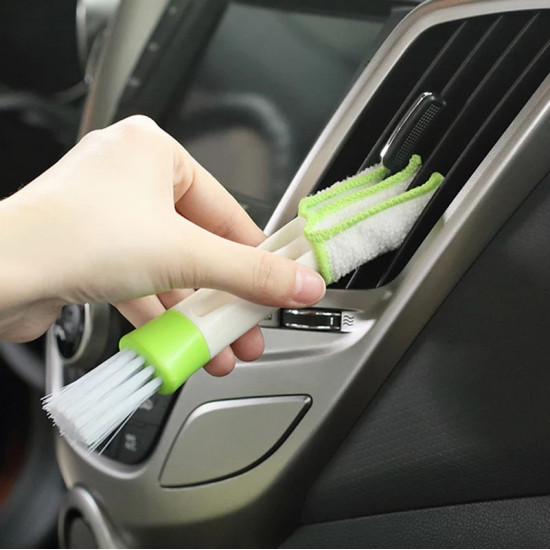
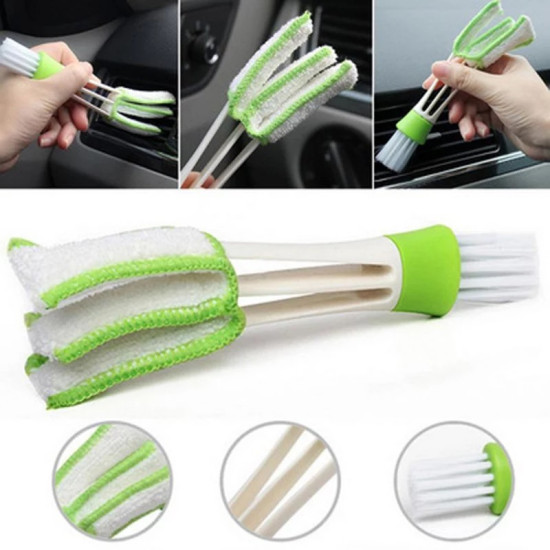
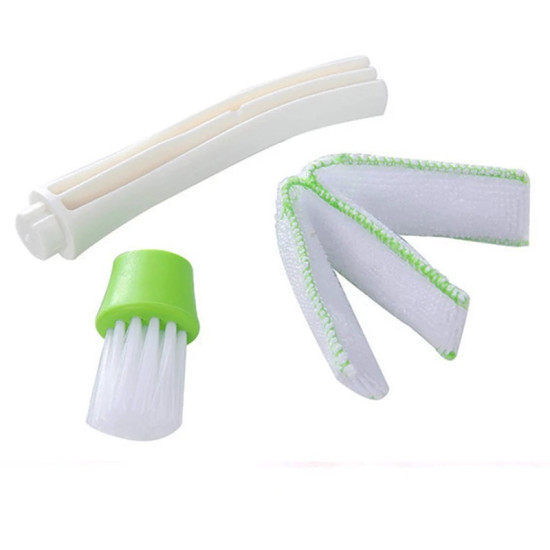
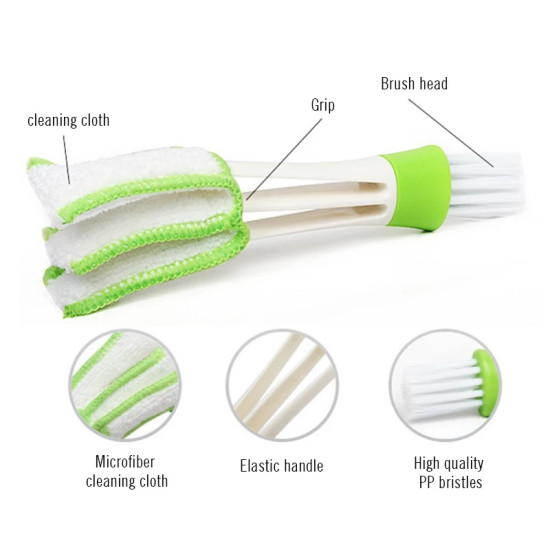
An air-vent and tight-space cleaning brush is a slim manual tool designed to reach dust between vent slats, narrow gaps and detailed areas that are difficult to clean with an ordinary cloth. This dual-ended model combines three flexible microfiber-covered arms with a PP-bristle brush head.
The three arms can clean multiple sides between slats as the tool moves, while the bristle end helps loosen dust and debris from corners and small gaps. It is suitable for car air vents, compatible household vents, keyboards and selected device details when the manufacturer’s care instructions are followed.
Problem: Dust collects between air-vent slats and inside narrow corners where wipes and large cleaning brushes cannot reach effectively.
Solution: The flexible microfiber arms slide between slats to wipe away dust, while the bristle head cleans smaller gaps and details, combining wiping and light brushing in one tool.
- Dual-ended design with two cleaning functions.
- Three flexible arms for reaching between slats and narrow openings.
- Microfiber cleaning fabric for collecting and wiping dust.
- Opposite PP-bristle head for gaps and detailed areas.
- Grip section for controlled cleaning.
- Reaches areas that are difficult to clean with larger tools.
- Requires no electricity or batteries.
- Compact for storage with household or vehicle cleaning supplies.
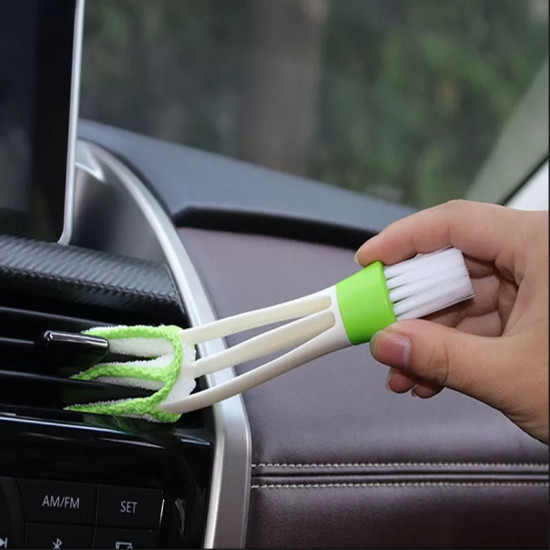
- Cleaning car air-conditioning vent slats.
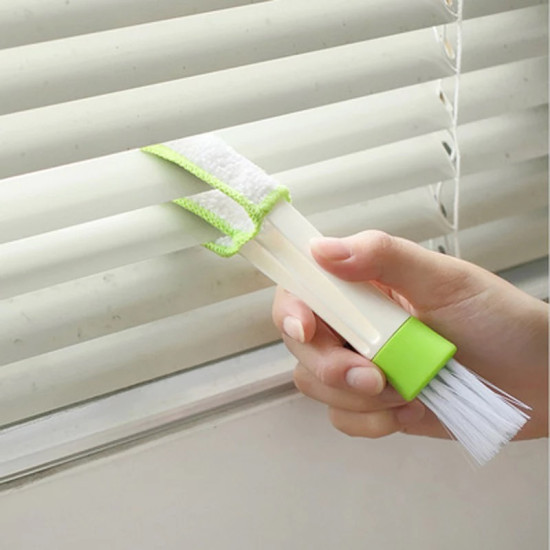
- Cleaning compatible household ventilation openings.
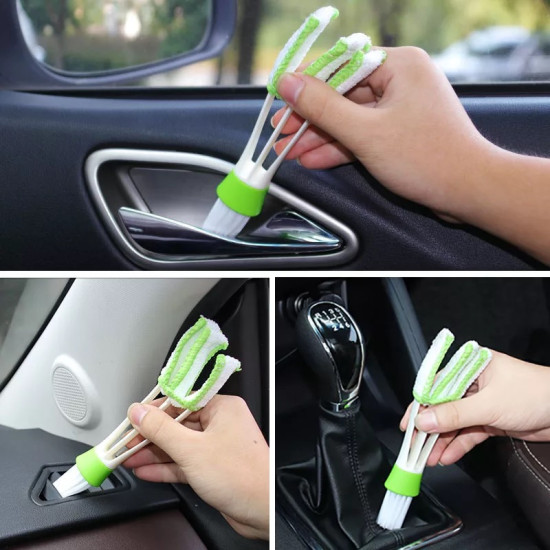
- Removing dust from vehicle interior corners and joints.
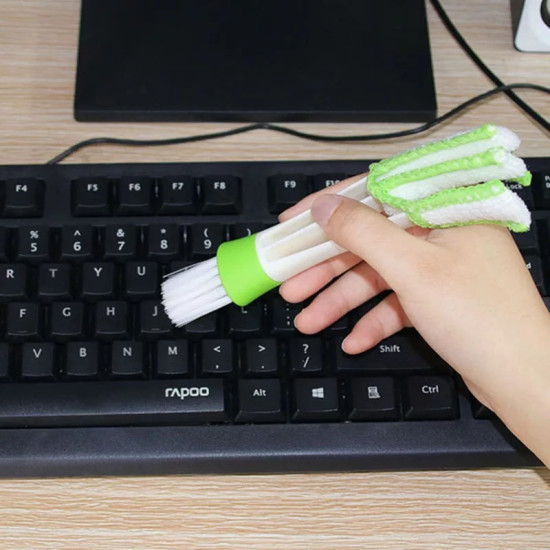
- Cleaning between keyboard keys with the dry bristle end.
- Cleaning tracks, gaps and narrow edges.
- Removing external dust from selected devices after disconnecting the power.
- Reaching around switches, buttons and small details.
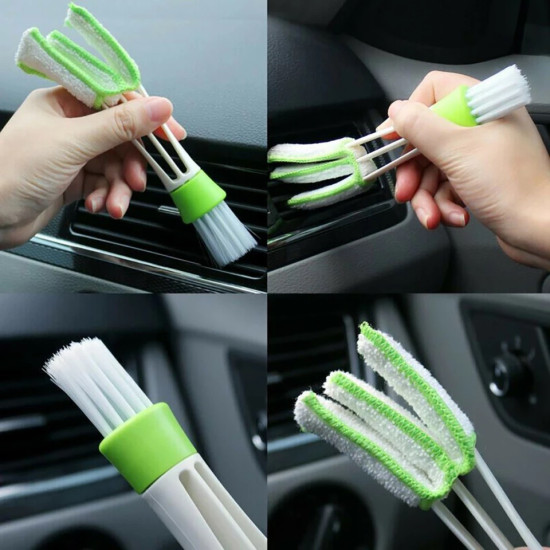
- Select the appropriate end: microfiber for slats or bristles for gaps and details.
- Remove loose dust using light movements without excessive pressure.
- Slide the microfiber arms gradually between the air-vent slats.
- Use the bristle head for corners and smaller openings.
- Disconnect electronic equipment from power and use the tool dry.
- Clean both ends after use and allow them to dry fully before storage.
| Cleaning End | Suitable Use | Practical Guidance |
|---|---|---|
| Microfiber arms | Air vents, ventilation slats and parallel narrow surfaces. | Insert the arms gently and move them along the slats without forcing them. |
| PP-bristle head | Gaps, corners, joints, keyboards and small details. | Use short, light strokes to loosen dust and move it away from the opening. |
| Electronic devices | External dust around keys and openings approved for cleaning. | Disconnect the power, keep the tool dry and avoid pushing dust inside the device. |
Instead of using a large brush that cannot enter narrow vents or a cloth that is difficult to control between slats, this product provides a flexible wiping end and a separate bristle end for details. This reduces the need to switch between several cleaning tools during the same task.
Before use: Dust remains between vent slats and inside corners because a conventional cloth cannot reach the narrow area evenly.
After use: The microfiber arms pass between the slats, while the bristle head helps remove remaining dust from smaller details.
Remove collected dust after each use. The microfiber and bristle sections can be cleaned by hand with water and mild detergent when required, then rinsed and allowed to dry completely in a ventilated area. Avoid very hot water, bleach and sharp scouring tools, and do not store the brush while damp. Machine-washing and tumble-drying compatibility have not been confirmed.
- Vehicle owners cleaning interior air vents.
- Household vents and narrow slatted surfaces.
- Desks, keyboards and small detailed areas.
- Routine light cleaning and surface dust removal.
- Users who want one compact, dual-function tool.
- Heavy grease or hardened dirt requiring a specialized cleaner.
- Deep cleaning inside electrical or electronic devices.
- Openings narrower than the brush arms.
- Highly scratch-sensitive finishes without first testing the bristles.
| Property | Details |
|---|---|
| Product type | Dual-ended manual brush for vents and tight spaces |
| Number of wiping arms | Three flexible arms |
| Cleaning-cloth material | Microfiber |
| Bristle material | PP polypropylene |
| Design | Multi-arm microfiber end and bristle end |
| Primary function | Removing dust from slats, gaps and narrow details |
| Dimensions | Not specified in the product information |
| Cleaning method | Both ends can be cleaned by hand and left to dry completely |
| Machine-wash compatibility | Not confirmed; hand cleaning is recommended |
| Power source | Manual; no electricity or batteries required |
| Package contents | One dual-ended cleaning brush |
- Disconnect electronic devices from power before cleaning.
- Do not apply water or cleaning liquid directly to devices or their openings.
- Do not insert the brush deeply into electrical or mechanical components.
- Test the bristles on an inconspicuous area of sensitive surfaces.
- Allow the brush to dry completely before using it on electronics.
What is an air-vent cleaning brush?
It is a slim tool that reaches between vent slats to remove dust that an ordinary cloth cannot easily access. This model also includes a bristle head for gaps and details.
Is it suitable for car air vents?
Yes. Its flexible arms are designed for narrow vents and slats, but they should be used gently to avoid damaging the vent fins.
What do the three microfiber arms do?
They contact multiple sides between the slats as the tool moves, helping wipe dust from narrow spaces.
What is the bristle head used for?
It removes dust and debris from corners, joints and small gaps that are less suited to the microfiber end.
Can it clean a keyboard?
Yes. Use the dry bristle end gently after disconnecting the keyboard from power, and avoid pushing debris further inside.
Can the brush be washed?
The microfiber and bristles can be cleaned by hand with water and mild detergent, then allowed to dry completely. Machine-wash compatibility is not confirmed.
Does it require a cleaning product?
It can be used dry for dust removal. For compatible non-electronic surfaces, apply only a small amount to the tool and never directly inside an opening.